See it in action
Tap. Peek inside. Extract.
No menus to learn, no setup. Open an archive and you're looking straight at what's inside.
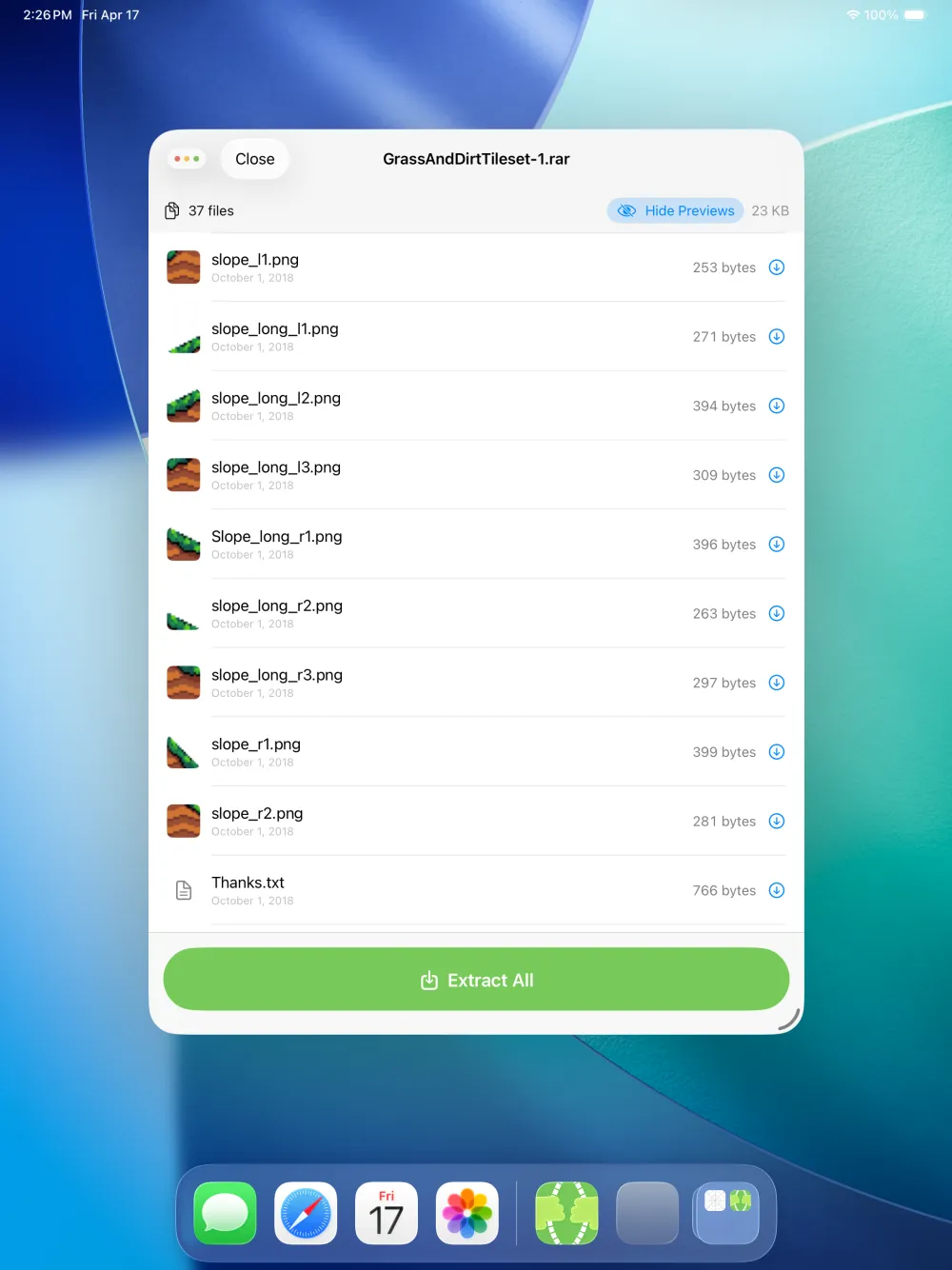
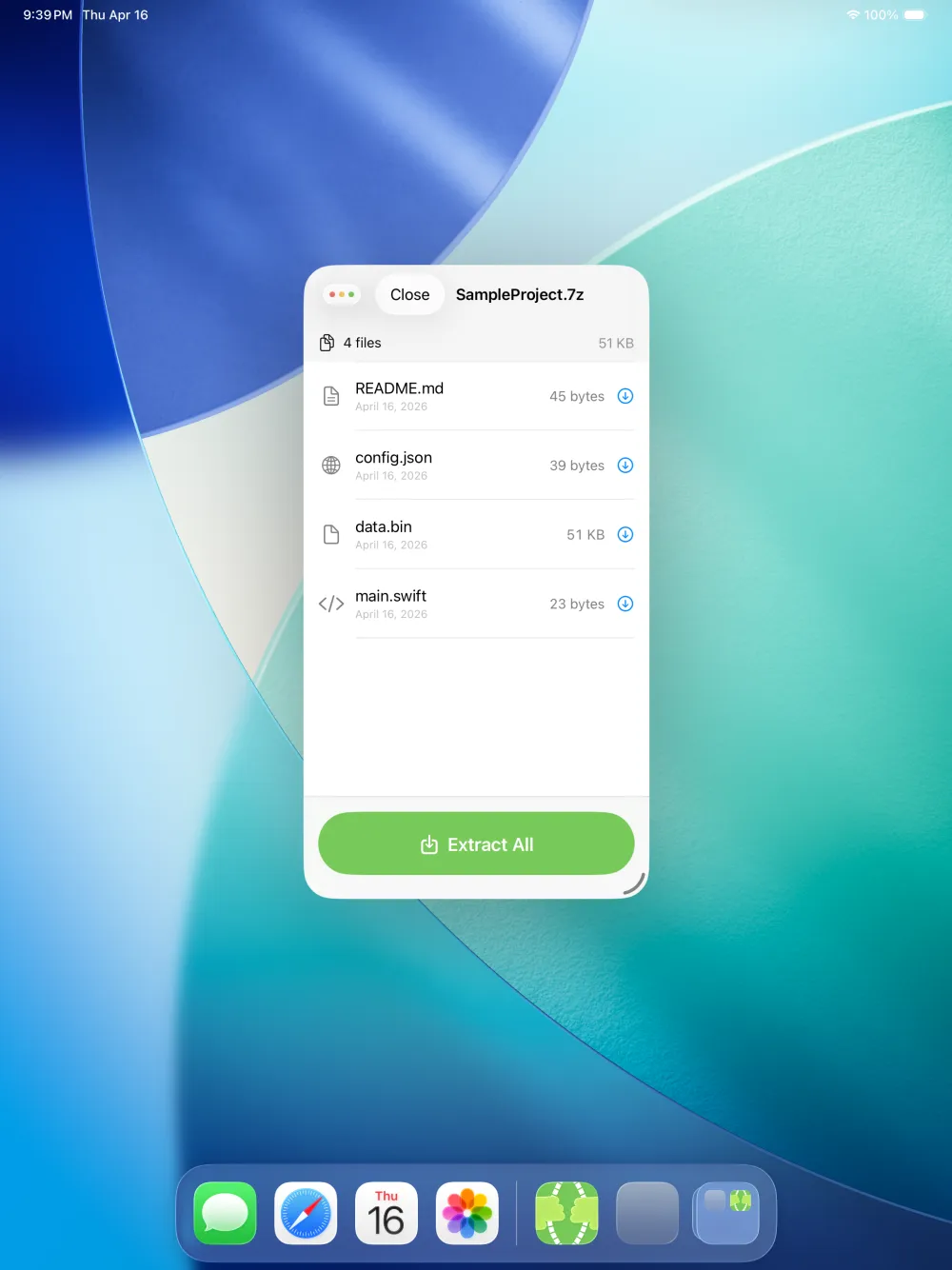
7zen opens .7z, .rar, .tar.gz, .zip and more on iPad and iPhone — see inside, preview, and extract. No subscriptions, no tracking, no nonsense.
No menus to learn, no setup. Open an archive and you're looking straight at what's inside.
The verdict
Greatest Unzipping App Of All Time.
Every archive app on the App Store buries a two-second task behind walls of junk. 7zen has none of it.
Plus a few it didn't, just to be thorough.
No tutorials. No onboarding. No loading screens.
From Files, Mail, Safari downloads, AirDrop — anywhere on your device.
File names, sizes, dates. Toggle thumbnail previews for images.
Tap any file for a full-size preview — images, PDFs, text, and more.
Extract all or just the files you need. Save to Files, AirDrop, iCloud, or any app.
Local-only. Always.
7zen doesn't connect to the internet. It can't — there is no networking code in the app. Your files never leave your device.
Download 7zen from the App Store. Tap any .7z file on your iPad — from Files, Mail, Safari downloads, or AirDrop — and 7zen will open it, show you the contents, and let you extract files. It's free with no ads. See the full step-by-step guide →
Install 7zen from the App Store. It opens .rar files along with .7z, .tar.gz, .zip, and many other archive formats. Tap the file, see what's inside, preview files, and extract — all for free with no ads. See the full step-by-step guide →
Really free. Zero ads, zero in-app purchases, zero subscriptions, zero tracking. There is nothing to unlock. It doesn't even connect to the internet — there is no networking code in the app.
7zen opens .7z, .rar, .zip, .tar.gz, .tgz, .tar.bz2, .tbz2, .tar.xz, .txz, .tar, .gz, .bz2, .xz, and .lz4 files.
Yes. Tap any file in the archive listing to see a full-size preview — images, PDFs, text files, and more. You can also toggle "Generate Previews" to see image thumbnails inline in the file list.
No. 7zen collects no data whatsoever. It does not connect to the internet. Everything happens on your device. The privacy policy is short and written in plain language.
Yes. 7zen is built for iPad but works great on iPhone too. It also runs on Apple Silicon Macs and Apple Vision Pro. Requires iOS/iPadOS 16 or later.
7zen is actively maintained. A highlight or two from recent versions:
Added .rar archives, plus tap-to-preview for images, PDFs, and text right inside an archive — and tightened up extraction.
Open .7z, .zip, .tar.gz, .xz and more on iPad and iPhone. No ads, no tracking, fully offline.
Next up: broader encrypted 7z & ZIP support.